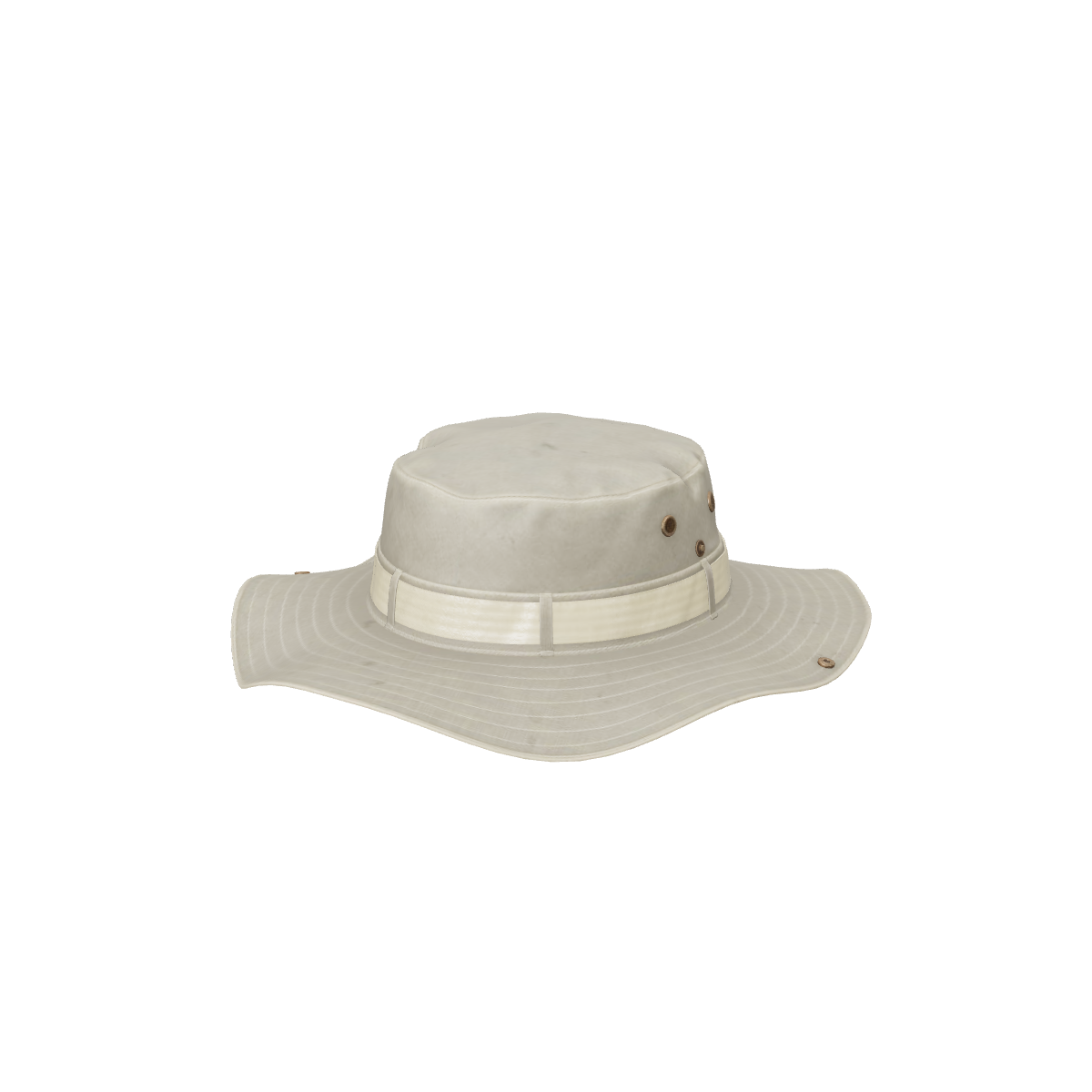
A 3D model of each style from your product photos. Shoppers spin it on your product page and see it at real size with AR. Live try-on for headwear is in early access.
Shoppers turn the hat to see the back strap, the brim and the stitching.
True size
Enter the dimensions and approve the model. In AR it appears at that size.
Try-on is first in line
Headwear try-on reuses the face tracking that runs eyewear try-on today, so it is next on our list. Join early access below.
Try-on · early access
Try-on for headwear is next.
The 3D viewer and AR placement are live for hats and caps today. Live try-on
with the shopper's camera is in early access. Leave your email and we'll tell you when
it opens.
Join try-on early access
How it works
Live on your product page in three steps.
Step 1: Add your products
Upload your product photos and enter the real size: width, height and depth, or the temple markings for frames. Already have a GLB? Upload that instead.
No 3D skills needed.
Step 2: Approve each model
Automated checks flag scale and orientation. Turn the model around, ask for a redo if something is off, then approve it.
Nothing goes live without you.
Step 3: Add one block
One theme block on Shopify, or one script tag or React component anywhere else. The 3D, AR and try-on buttons appear on your product page.
Designed to get your first product live the same day.
Published prices, 3D included.
Free $0 for 3 products · Starter $29 for 15 products · Growth $79 for 60 products · Studio $179 for 250 products. 3D generation is included for every product, with one redo each.
Not yet. Live try-on for headwear is in early access and is the next category on our list. Today shoppers get the 3D viewer and AR placement. Join the early-access list on this page.
Which hats work best?
Caps, bucket hats and structured styles with clear photos from several angles. Very fluffy or see-through materials are harder to capture. You review every model before it goes live.
Would try-on store shoppers’ faces?
No. As with eyewear today, face tracking would run in the shopper’s browser after a consent screen, and no camera images would be sent to us.
See it on your own products
Send us your store link. We turn 3 of your products into 3D and show them on your own product page, before you decide anything.