Turn product photos into 3D shoppers can spin, place and try on.
Upload your photos and approve a true-to-scale model. Shoppers rotate it on your product page, see it in their room with AR, and try on eyewear with their own camera. Published prices. Download every model and use it anywhere.
Your camera stays on your device. Nothing is uploaded.
Biometric notice
No camera? See the sample frame from three angles
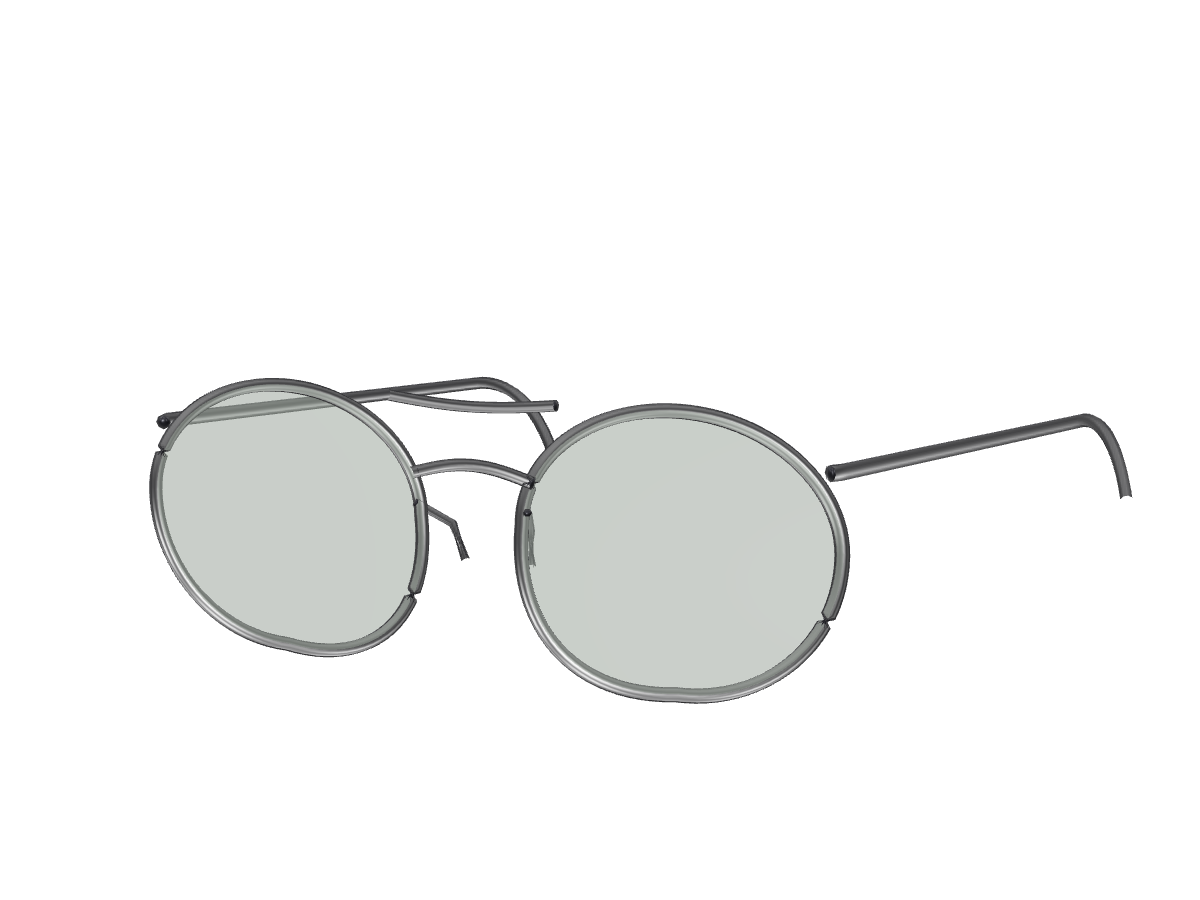
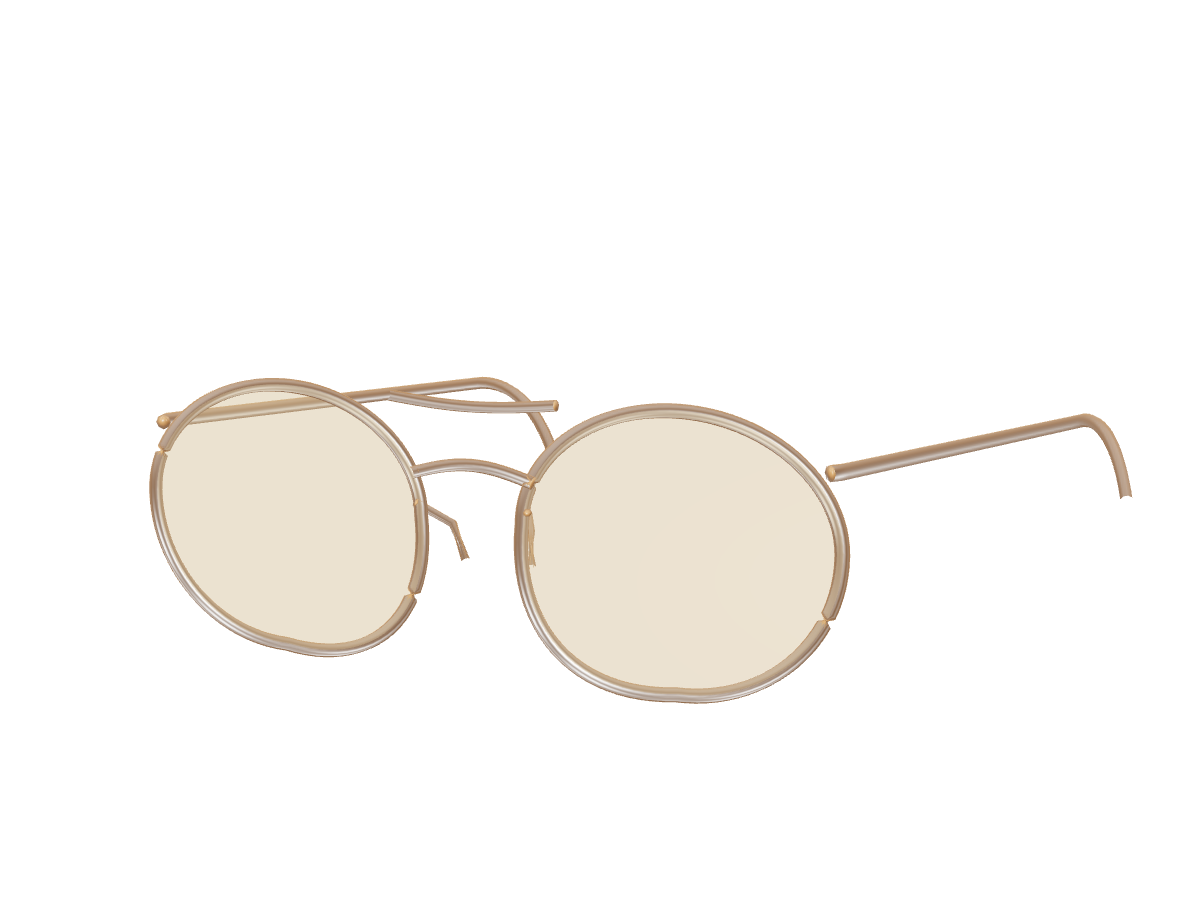
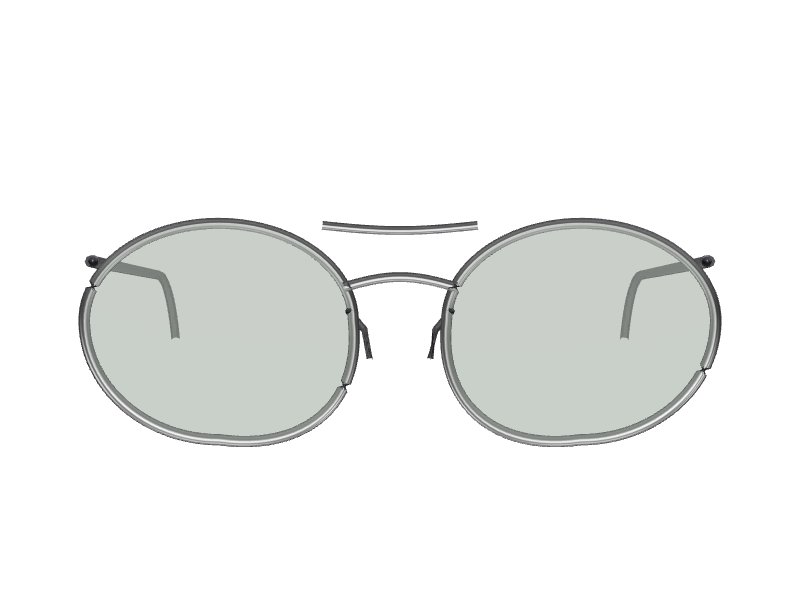
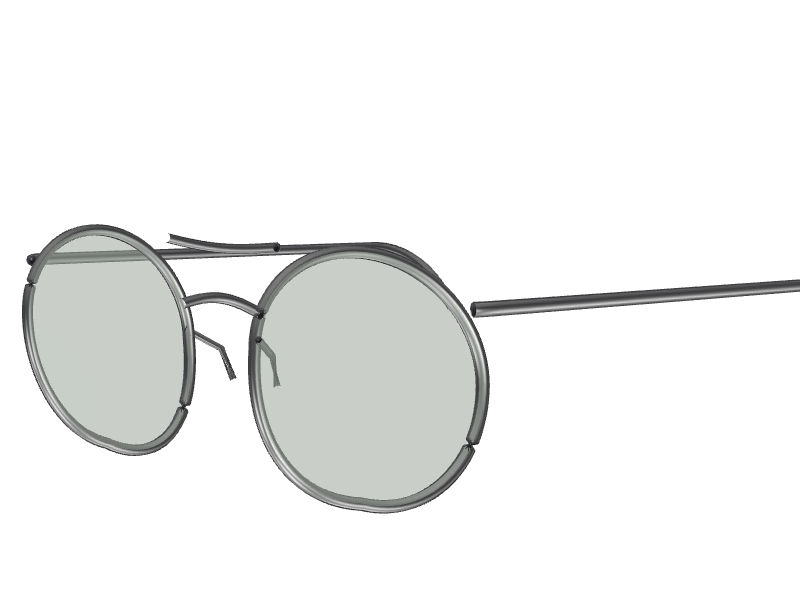
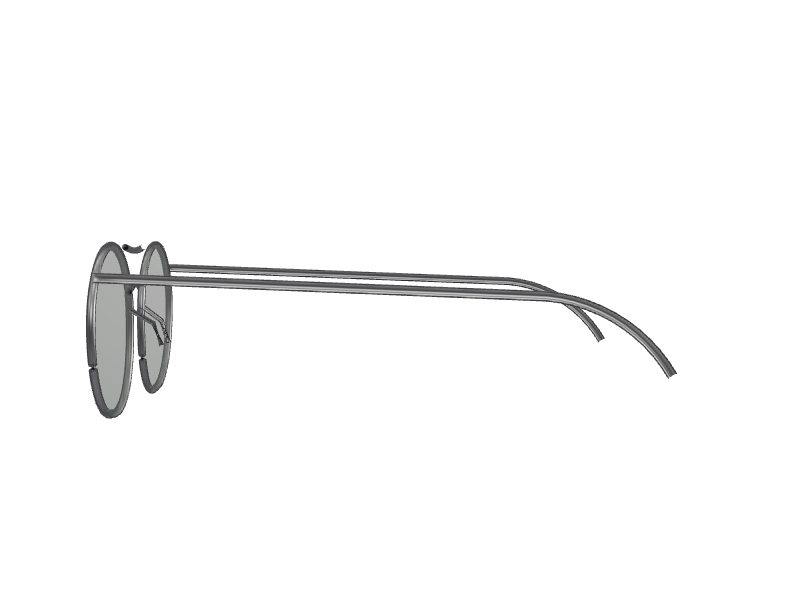
The sample aviator is a synthetic metal frame generated by code, not a real product: oval lenses, a double bridge and thin temples. Size 52□18-140: 52 mm lenses, an 18 mm bridge and 140 mm temples.
FrontThree-quarterSide
yourstore.com/products/sample-lounge-chair
Sample model
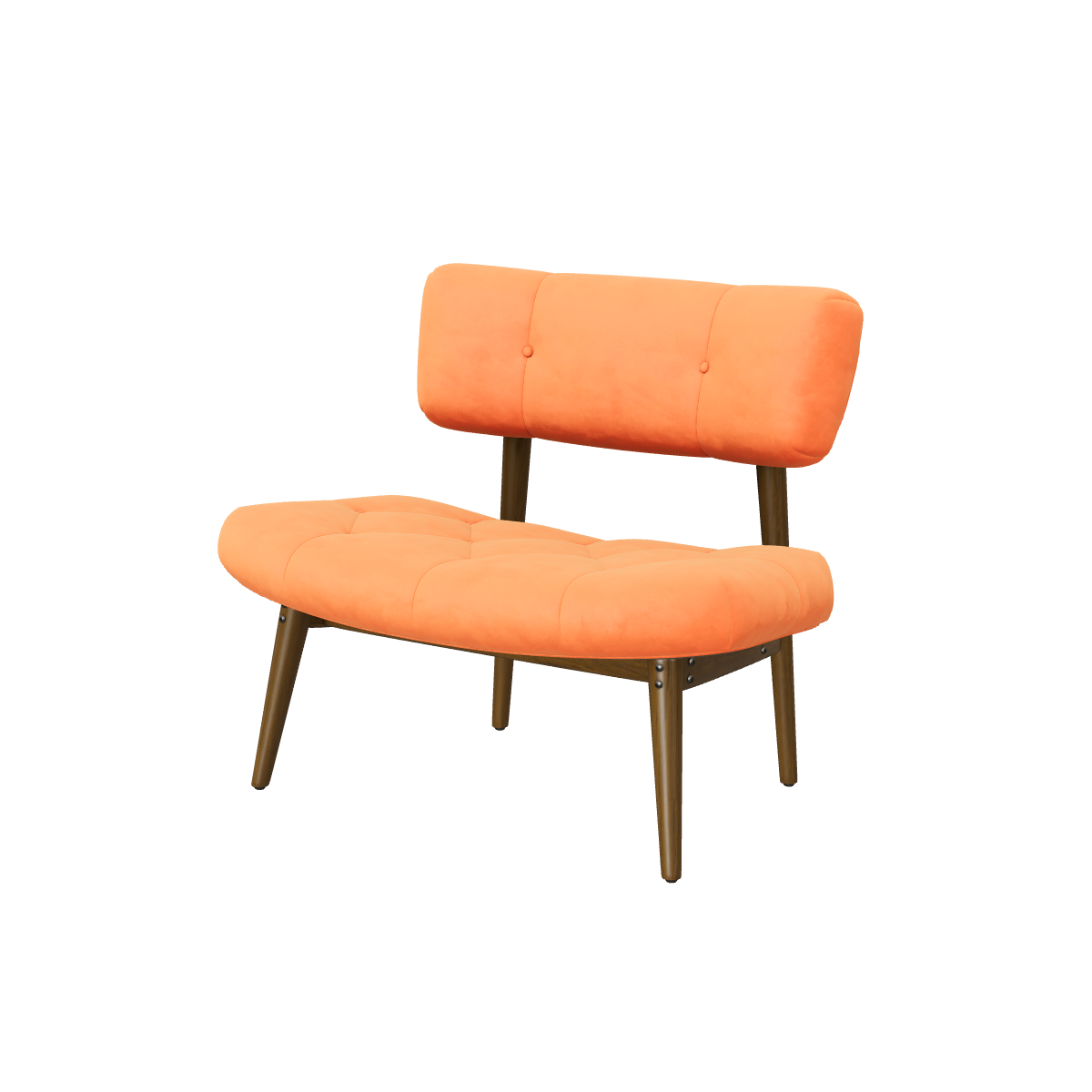
Sample lounge chair
83 × 69 × 57 cm
3D viewer
AR placement
View in your space
Scan with your phone camera to place the lounge chair in your room at
real size.
Upload the photos you already have. Trialhood builds a 3D model, checks it, and hands it to
you for approval before it goes on your product page.
True to scale
Scaled to the sizes you enter: temple markings for frames, width, height and depth for everything else.
You approve every model
Automated checks flag scale and orientation. Nothing goes live until you approve it.
One redo included
If the first model is not right, we make it again, for every product in your plan.
3D
Shown with our synthetic sample frame: three renders in, the approved model out. Real source photos and the approved model replace these when the first real product is prepared. Frame size 52□18-140.
One model, three ways to see it
Spin it. Place it. Try it on.
Every product you approve gets a 3D viewer and AR placement. Eyewear gets live try-on with the
shopper's own camera.
Drag to turn
Live · every category
Spin
A 3D viewer on your product page. Shoppers drag to turn the product, zoom into the
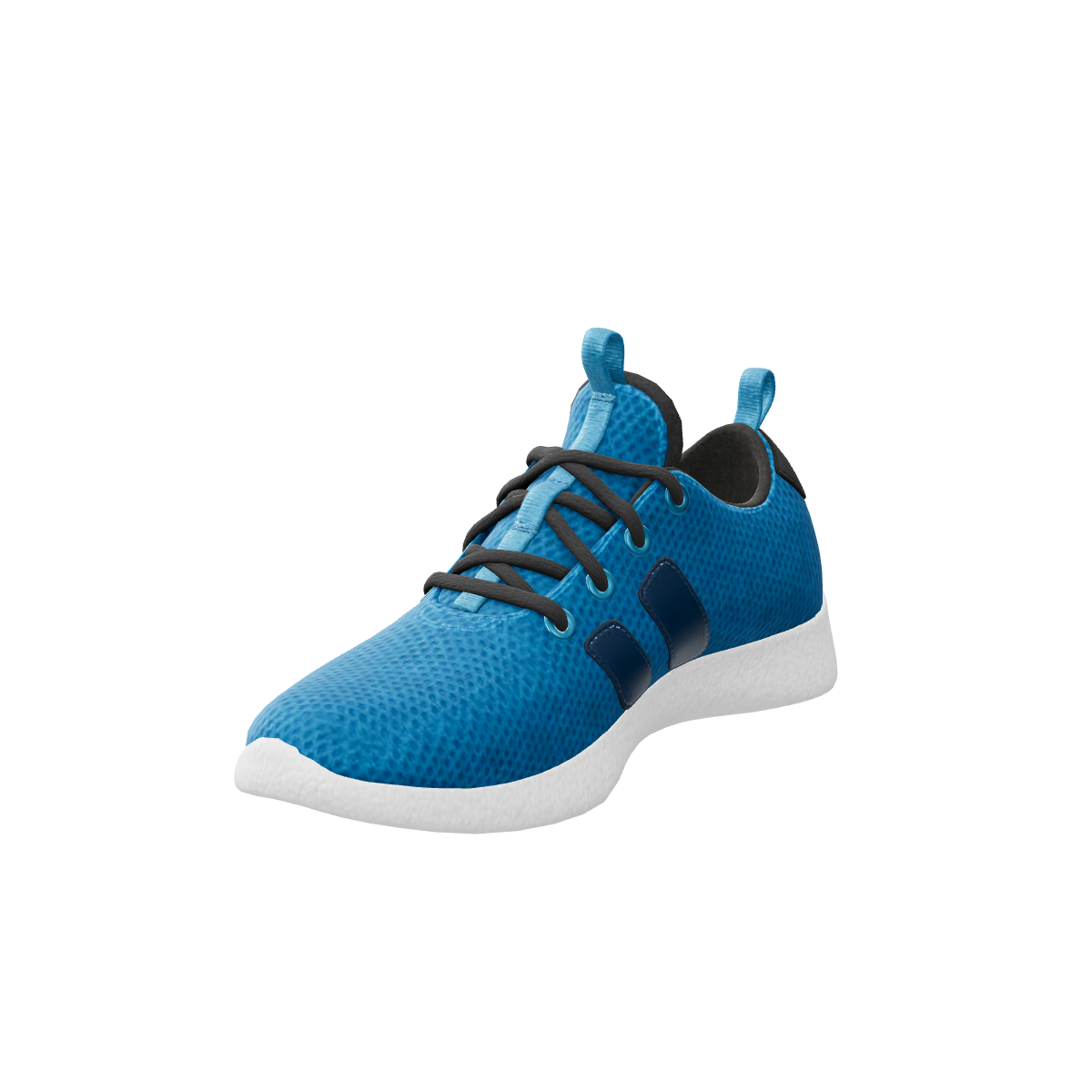
details, and see the back and the sole before they buy.
Shoppers see your frames on their own face, live, with their phone or laptop camera.
A consent screen comes first, and face tracking stays on the device.
What others have measured when shoppers could turn a product over or see it in their room.
Their results, with their methods, not a promise of yours.
22%lower return ratefor shoppers who used AR, in Build.com’s A/B test against a control group buying the same products.
Source: AR Insider, 29 June 2020
Two-thirdsof shoppers less likely to returna product after using an AR feature, in a survey of 4,028 shoppers by Alter Agents for Snap and Publicis Media.
Source: Retail Dive, 21 June 2022
27%more likely to orderwhen shoppers interacted with a 3D model, as reported by the brand Rebecca Minkoff.
Source: Shopify case study
Won't slow your store
Our storefront script is under 20 KB. The 3D viewer loads
only when a shopper opens it, and the camera only after they agree.
How it works
Live on your product page in three steps.
Step 1: Add your products
Upload your product photos and enter the real size: width, height and depth, or the temple markings for frames. Already have a GLB? Upload that instead.
No 3D skills needed.
Step 2: Approve each model
Automated checks flag scale and orientation. Turn the model around, ask for a redo if something is off, then approve it.
Nothing goes live without you.
Step 3: Add one block
One theme block on Shopify, or one script tag or React component anywhere else. The 3D, AR and try-on buttons appear on your product page.
Designed to get your first product live the same day.
Why Trialhood
Enterprise-grade 3D, priced for independent brands.
How Trialhood compares with the two kinds of product brands usually look at. Individual
products differ; this is what is typical.
Feature
Trialhood
Enterprise 3D platforms
AI 3D apps
Price on the page
Yes: From $0, every tier published
No: Usually a sales call and a quote
Yes: Usually published
Start without a sales process
Yes: Free start from your store link
No: Usually a contract first
Yes: Usually self-serve
Try-on and AR
Yes: AR for every category, live try-on for eyewear
Partly: Often, at enterprise prices
Partly: Often 3D only; try-on is rare
Download your models, no lock-in
Yes: Every approved model as GLB
Partly: Varies by contract
Partly: Varies
Camera privacy
Yes: Consent first; face tracking stays on the device
Partly: Varies
Partly: Rarely stated
True scale, with your approval
Yes: Sized from your measurements; you approve each model
That works out to about 3 cents a try-on on Growth
($79 for 3,000 sessions). You pay the monthly
price, never per try-on.
Worked example
A 40-product store: Growth at $79 a month. All 40 models are generated as part of the plan, with one redo each. No setup fee, nothing per product.
Limits that never break your page
At your limit, shoppers see your regular product photos. You get warnings at 80% and 100% and
a 10% grace allowance. We never charge overage without your OK.
Founding Partner offer
Growth at $49 a month, locked for 12 months.
Everything in Growth: up to 60 products in 3D, generation included (list price $79 a month)
Upload your product photos from a few angles and enter the real size, or upload your own GLB. We generate a draft, run automated checks for scale and orientation, and you approve it. One redo per product is included. Glass, mirrors and very thin or see-through items are harder; complex or hand-modelled items are quoted on request.
What does the free tier include?
Three live products, with the 3D viewer, AR placement and GLB download, plus try-on for eyewear behind the consent screen and 200 try-on sessions a month. 3D generation is included, with one redo per product. The one difference from paid plans: the button shows a small Trialhood badge. Paid plans remove it.
Can I download my 3D models?
Yes. Your models are downloadable as GLB files, with no lock-in: download any approved model and use it anywhere, such as Shopify’s native 3D media, ads, or AR elsewhere.
Does it work with my theme?
On Shopify it’s a theme app block you place in the theme editor. Anywhere else it’s one script tag or a React component. Button text and colours are yours.
Will it slow down my store?
Our storefront script is under 20 KB and loads with your page. The 3D viewer, AR and try-on code load only when a shopper taps a button. If anything fails, shoppers see your original product images, never a broken widget. We will publish a before-and-after Lighthouse report.