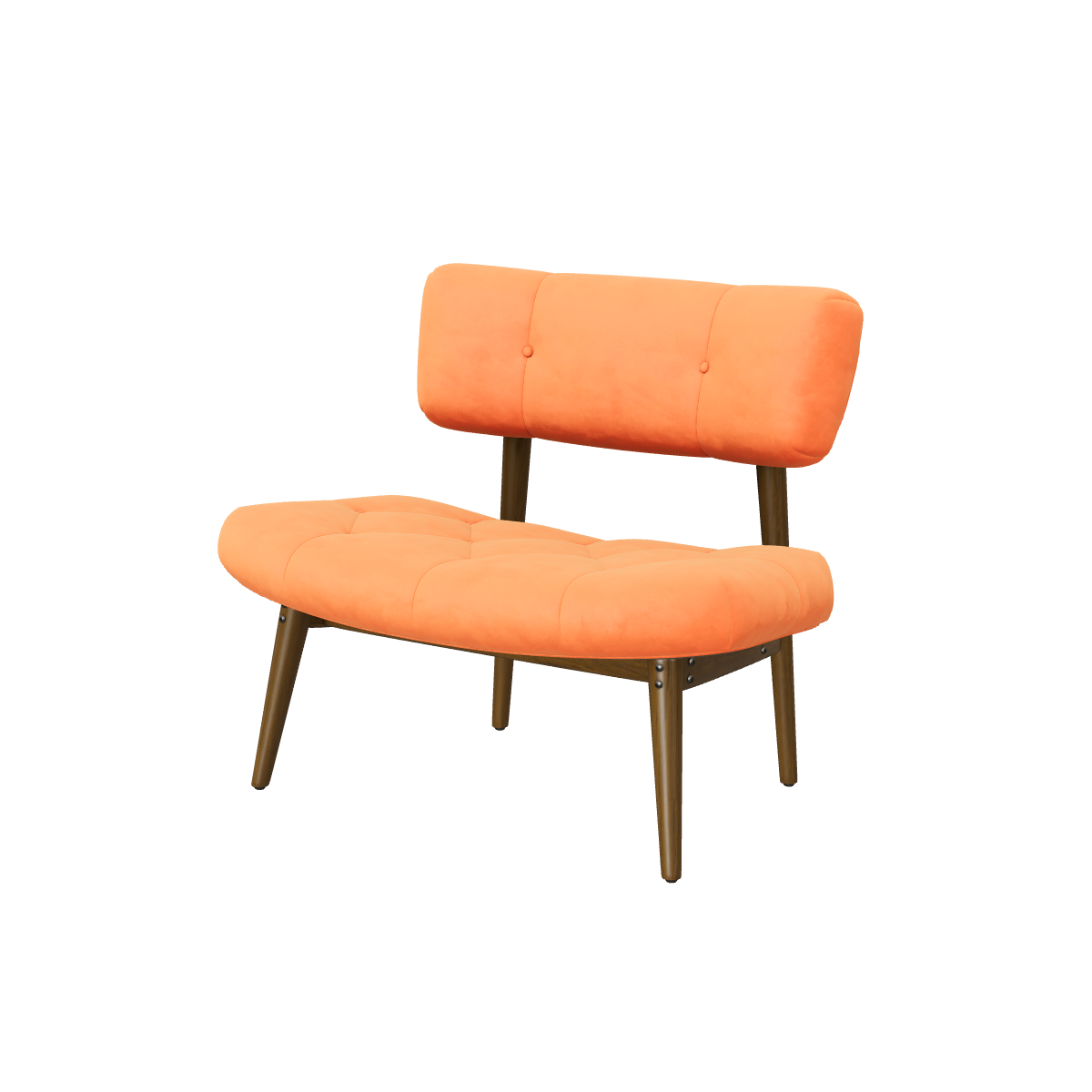
Enter the width, height and depth. The model is scaled to them, and nothing goes live until you approve it.
Placed in the room
On a phone, shoppers place the piece on their floor with AR and walk around it.
Every angle on the page
The 3D viewer sits on your product page. Shoppers drag to turn the piece and zoom into the details.
How it works
Live on your product page in three steps.
Step 1: Add your products
Upload your product photos and enter the real size: width, height and depth, or the temple markings for frames. Already have a GLB? Upload that instead.
No 3D skills needed.
Step 2: Approve each model
Automated checks flag scale and orientation. Turn the model around, ask for a redo if something is off, then approve it.
Nothing goes live without you.
Step 3: Add one block
One theme block on Shopify, or one script tag or React component anywhere else. The 3D, AR and try-on buttons appear on your product page.
Designed to get your first product live the same day.
Published prices, 3D included.
Free $0 for 3 products · Starter $29 for 15 products · Growth $79 for 60 products · Studio $179 for 250 products. 3D generation is included for every product, with one redo each.
Yes. You enter the width, height and depth, the model is scaled to them and you approve it. In AR the piece is placed at that size, so shoppers can see how it fits their room.
Which phones support AR?
Recent iPhones and iPads, and Android phones that support Google’s ARCore. On a computer, shoppers see the 3D viewer and can scan a code to continue on their phone.
Which pieces work best?
Solid pieces with clear photos from several angles, such as chairs, tables, lamps and decor. Glass, mirrors and very thin wire frames are harder. You review every model, and one redo per product is included.
See it on your own products
Send us your store link. We turn 3 of your products into 3D and show them on your own product page, before you decide anything.